
Live Dashboards, Not Manual Reports.
Revenue, profitability, bookings and outstanding payments, consolidated across every branch and currency, updated the moment a booking happens.
Someone Builds This Report Every Single Week.
Pulling numbers from separate sales, booking and accounting sheets into one report is a recurring, manual job, and by the time it's finished, the numbers are already a few days old.
The Report Is Already Live.
Because Reports reads directly from sales, bookings and the ledger, there's nothing to compile. Owners see revenue, profit, bookings and outstanding payments consolidated across every branch and currency, updated in real time as the business runs.
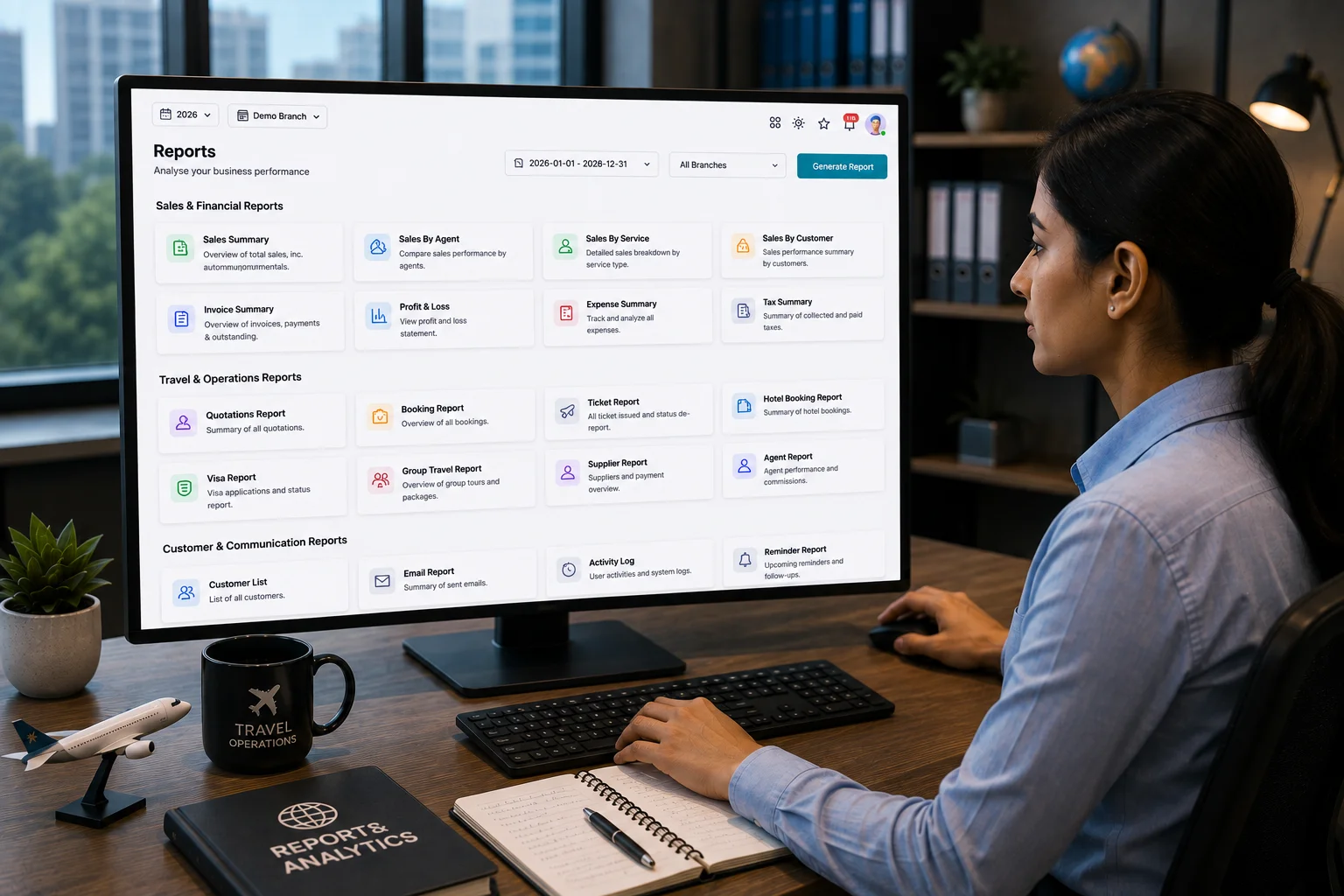
What You Get.
Real-Time Revenue & Profit
Revenue and profitability update the moment a booking is confirmed, not at month-end.
Multi-Branch Consolidation
Every branch rolled into one consolidated view, or broken out individually on demand.
Multi-Currency Reporting
USD, PKR, AED and SAR reported side by side, without manual conversion.
Daily Automated Alerts
Key changes surfaced to owners automatically, instead of waiting to be asked.
From Booking to Live Dashboard.
- Booking Recorded
- Ledger Updated
- Branch Consolidated
- Dashboard Refreshed
- Alert Sent
Reports Module FAQs
Do we need to build these reports ourselves?
No. The standard revenue, profit, booking and payment dashboards are built in and update automatically as your business runs.
Can we export reports for our accountant or investors?
Yes. Ledgers and reports export in formats your accountant already uses, with consolidated multi-branch reporting.
Can it handle multiple branches and currencies?
Yes. Multi-branch operations run with per-branch data isolation, and accounting supports multiple currencies including USD, PKR, AED and SAR, with consolidated group reporting.
Who can see which reports?
Access is role-based. Owners see consolidated figures, while branch managers and staff see only what's relevant to their role and branch.